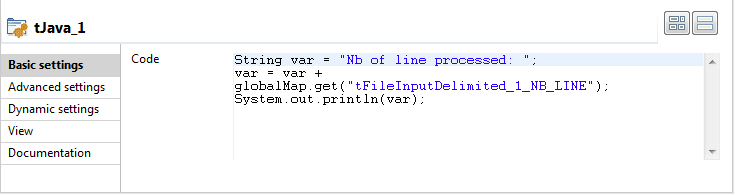
Then select the tJava component to set
the Java command to execute.
In the Code area, type in the following
command:
String var = "Nb of line processed: ";
var = var + globalMap.get("tFileInputDelimited_1_NB_LINE");
System.out.println(var);
In this use case, we use the NB_Line variable. To
access the global variable list, press Ctrl + Space bar on your keyboard and
select the relevant global parameter.
Did this page help you?
If you find any issues with this page or its content – a typo, a missing step, or a technical error – please let us know!