
Accepting a new patch
Last updated: 10/7/2025About this task
You can also accept patches for the Studio in order to improve its performance.
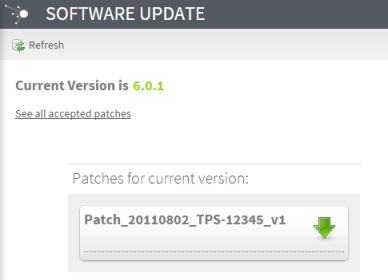
Note that you will only be able to see and accept patches available for the current version of your Studio.
Procedure
-
Click the
 icon to confirm your choice and download the desired
patch.
icon to confirm your choice and download the desired
patch.
Results
When all the patches have been accepted, a message is displayed, indicating that your version is up to date.
The next time you start the Studio, the patches you have accepted in Talend Administration Center will be automatically detected.
For more information on how to download and apply a patch, see Downloading and applying a patch.