
Last updated: 10/2/2025
The media library contains the media type image. You add an image to a slide by dragging the Image type into the slide.
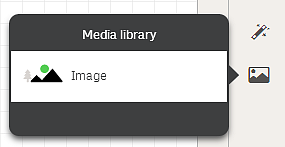
The following formats are supported: .png, .jpg, .jpeg, and .gif.
For Qlik Sense: You need to use the Qlik Management Console to upload images to the default folder. You can upload images to the In app folder in the media library.
For Qlik Sense Desktop: If the default folder is empty, or you want to add your own images, you find the folder at: <user>\Documents\Qlik\Sense\Content\Default. When moving an app between installations, images are bundled and saved in the qvf file together with the rest of the contents of the app. You find the bundled images in the In app folder in the media library.
If you intend to import and publish an app to a Qlik Sense server deployment, you must add the same images used in the app to the media folder in the Qlik Sense server environment.