Using Calculation Conditions
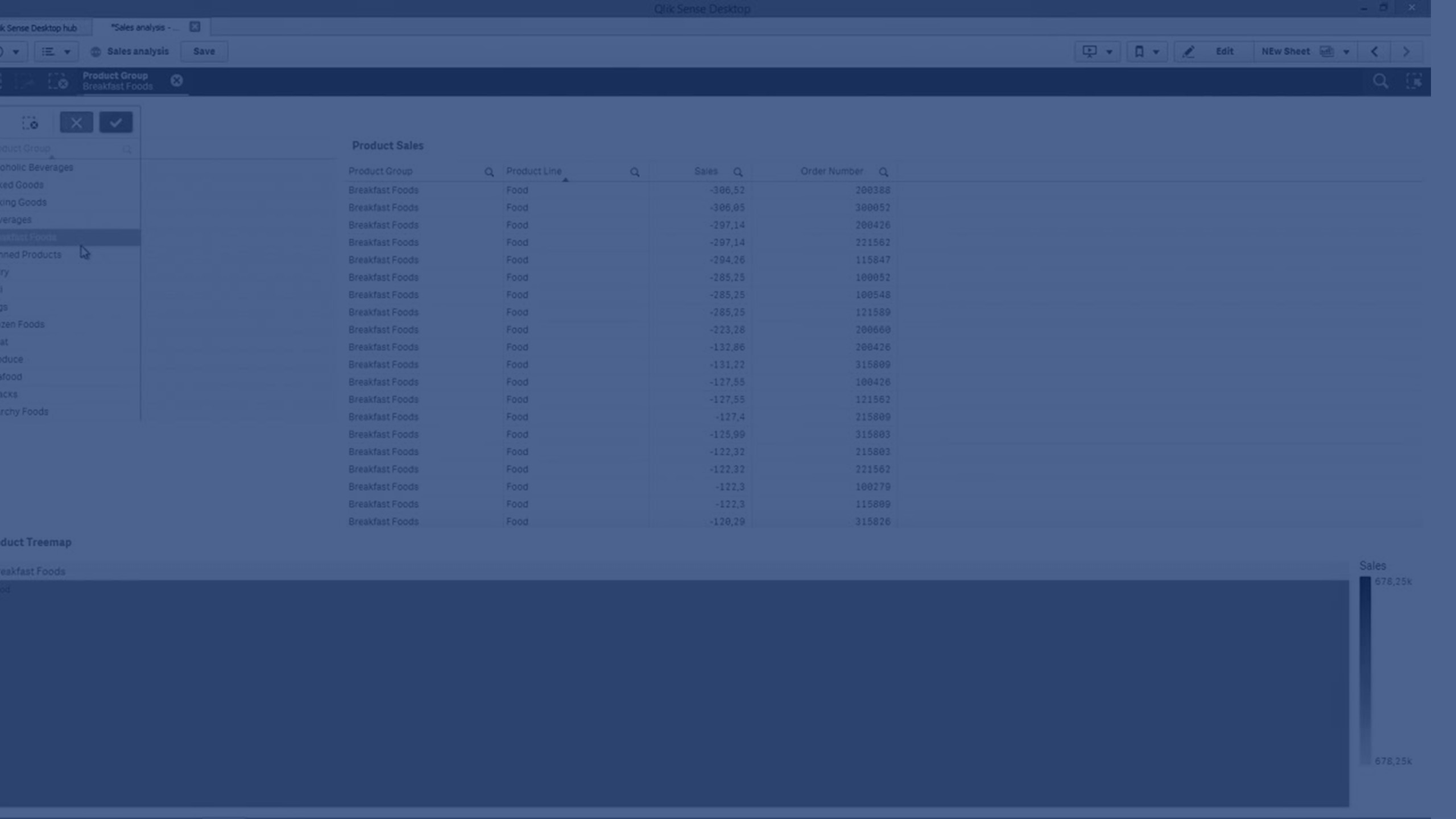
In this video, you’ll learn how to use calculation conditions in Qlik to improve performance and control when charts are displayed. By requiring a user selection before rendering large datasets, you can significantly speed up sheet load times. We’ll cover how to create the condition, customize the error message, and see the chart update dynamically.
⏳ 00:00 – Why Use Calculation Conditions
📊 00:17 – Dataset Overview
⚙️ 00:28 – Opening Chart Settings
💻 00:37 – Adding the Expression (GetSelectedCount)
🚫 01:00 – Behavior Without Selection
✏️ 01:17 – Customizing the Error Message
✅ 01:36 – Chart Display After Selection
🎯 01:43 – Conclusion