
Last updated: 9/10/2025
Find assets using the search field. As you start to type in the search field, all items that have a name or a tag that contains the search string, are presented.
Information noteThe search function is not case sensitive.
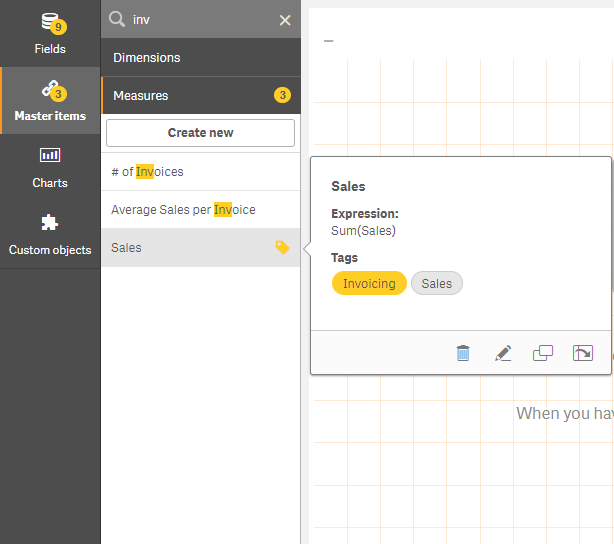
When a matching string is found in a tag, it is indicated by a tag icon in the search result. Clicking the item in the list of results, brings up a preview of it.
Searching for "inv" among the measures presents any measure that contains that string in its name or a tag.
Related learning: