Setting up a report distribution folder on SharePoint
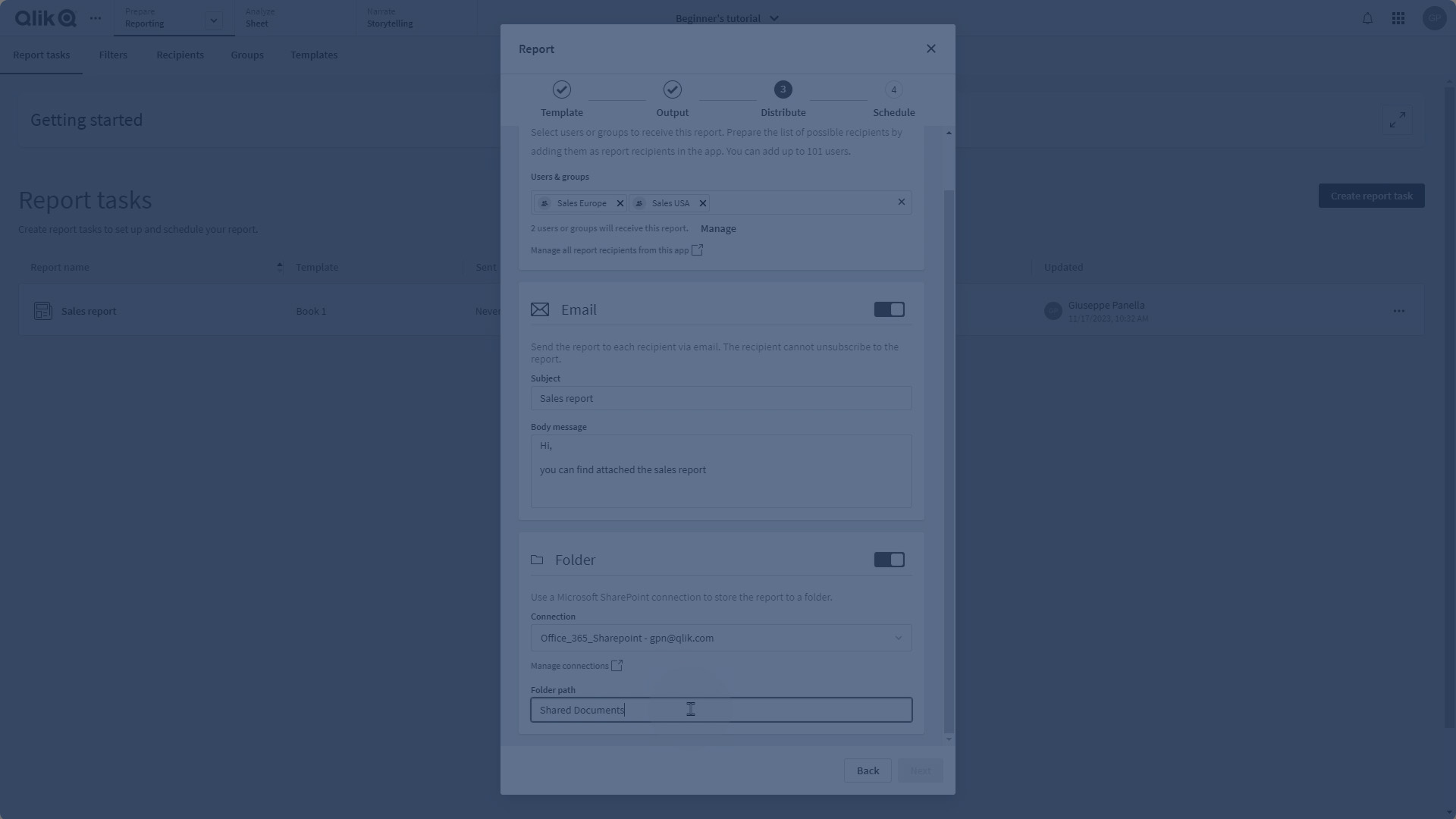
This video shows you how to set up a report distribution folder on SharePoint.
You can configure a report task to generate and deliver output to a remote distribution folder on Microsoft SharePoint. This can be used alongside, or as an alternative to, report delivery by the default email delivery option. The default delivery method for generated reports is email, but this option allows you to also store reports directly into a cloud-based Microsoft SharePoint folder.
For a more in-depth understanding of Tabular reporting, explore this playlist:
https://share.vidyard.com/watch/Qm3WsQi1ADWGiMnew5CCNA?
If you're interested in more reports related to report design, check out this playlist:
https://share.vidyard.com/watch/tHdRWQAMTu5JC3hMTTUgcP?