Setting a default selected value
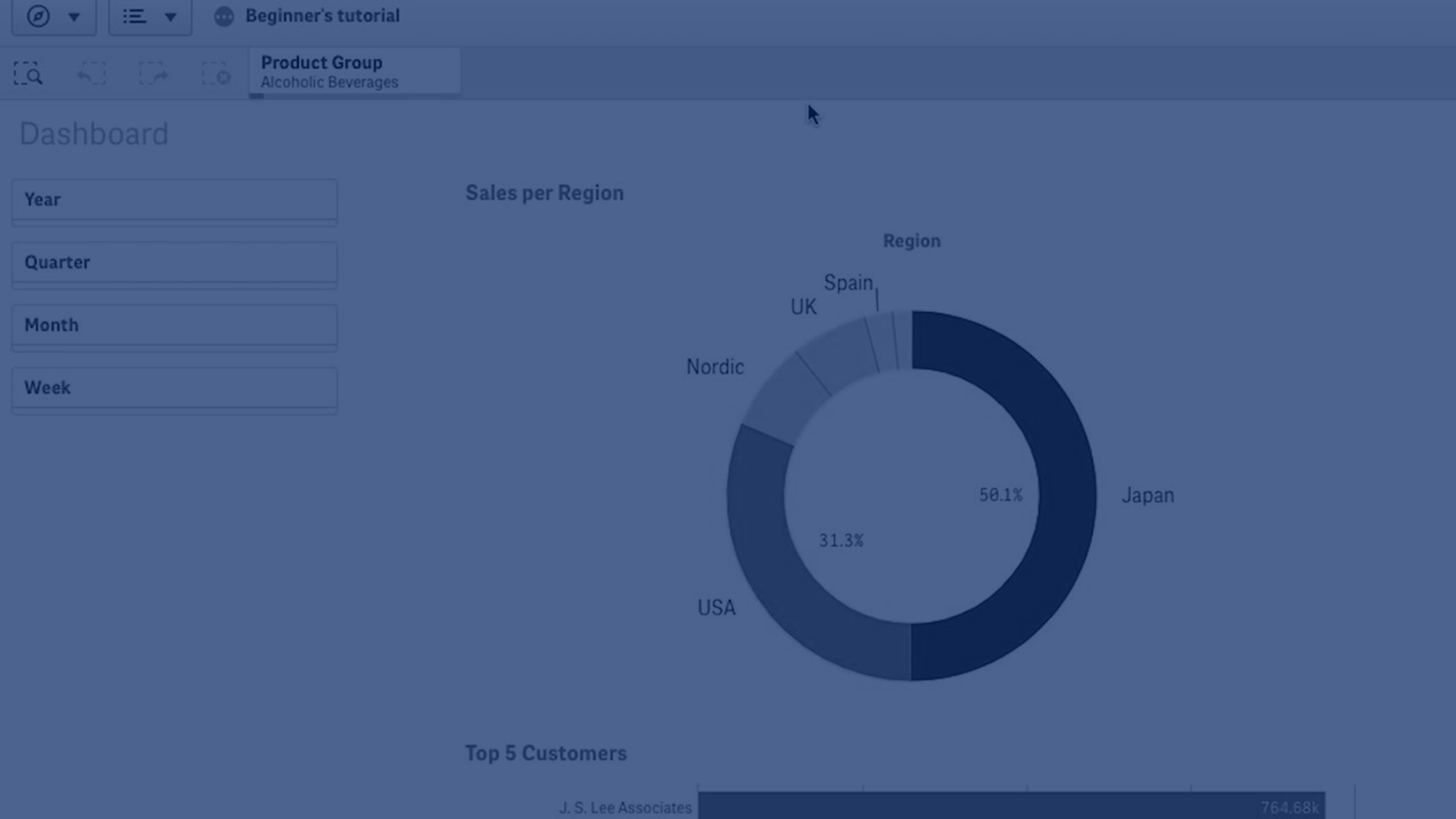
In this video, you’ll learn how to set a default selected value in Qlik Sense using the Always One Selected Value option. This feature ensures users always start with a predefined selection, helping guide analysis and improve consistency across apps.
We’ll cover how it works in both duplicated and published apps, how to remove it, and how to use bookmarks as a flexible alternative for setting defaults.
By the end of this tutorial, you’ll know how to:
- Enable Always One Selected Value on a field
- See how it behaves in duplicated apps
- Apply defaults across published apps
- Remove or update defaults when needed
- Use bookmarks to customize default selections
👋 00:07 – Introduction: Default Selected Values in Qlik Sense
🛠️ 00:15 – How to Enable "Always One Selected Value"
📊 00:29 – Behavior in Duplicated Apps
🌍 01:12 – Published Apps and Consumer Experience
🧹 01:30 – Removing a Default Value
🔑 02:05 – Using Bookmarks as Flexible Defaults
✅ 02:25 – Conclusion: Best Practices