Last updated: 10/5/2025
If you are working with fields containing date or timestamp information in your app, you can define a number of related attributes of a date, for example, year or hour, as derived fields and use them in your visualization.
You need to create a calendar template where you define which fields to derive in the data load script. The derived date & time fields will be generated when the script is run and data is reloaded.
See: Derived fields
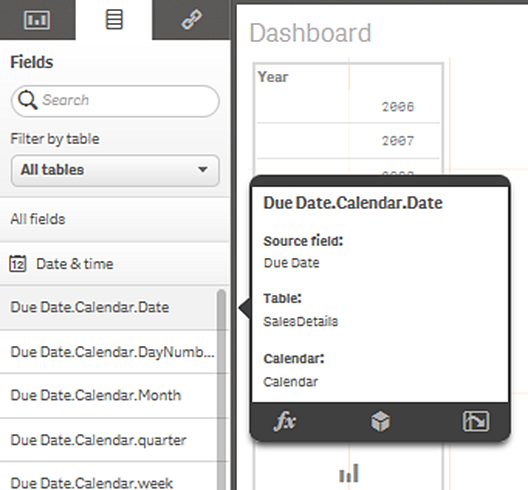
The date & time fields that have been generated appear in the assets panel. You can use them in visualizations, just like any other data field.
See: Using date & time fields in a visualization