
The timeline gives you an overview of the structure and content of your story. The timeline contains thumbnails of your slides.
You move between the slides by clicking the thumbnails. A selected thumbnail displays its corresponding slide in the slide view. You can reorder slides by moving them around on the timeline. You can add slides and you can delete slides.
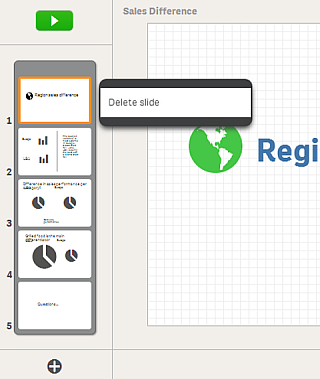
A story timeline with 5 slides. The shortcut menu of the selected slide is open.
Timeline controls
| Add a slide right after current slide. |
Timeline shortcut menu
| Delete | Delete a slide from the timeline. |