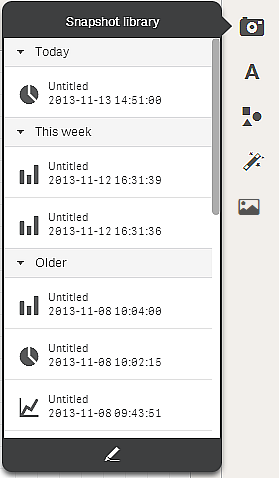
The Snapshot library contains a list of your snapshots sorted by, and grouped by date, with the newest on top. The snapshots are grouped with the following date categories: Today, This week and Older.
You can open the snapshot library from two places: from inside a visualization, and from the story tools panel in storytelling view. The contents of the snapshot library you see depend on where the library was opened from. When the library is opened from a visualization, the snapshots taken for that visualization are displayed. When opened from storytelling view, all the snapshots from all the visualizations are displayed.
You can edit the list of snapshots to delete snapshots and to rename snapshots.