
You can add different visual effects to your snapshots to make certain values stand out.
Do the following:
-
In storytelling view, click in the story tools panel.
The effect library is opened.
- Locate the effect you want to use and drag it onto the snapshot.
The snapshot is shown with the visual effect.
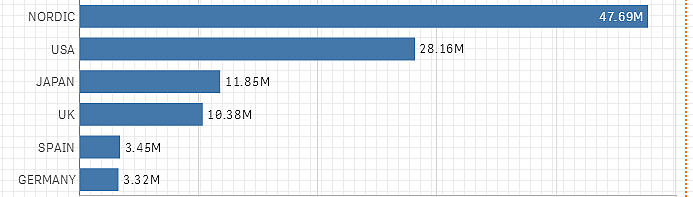
Snapshot without an effect
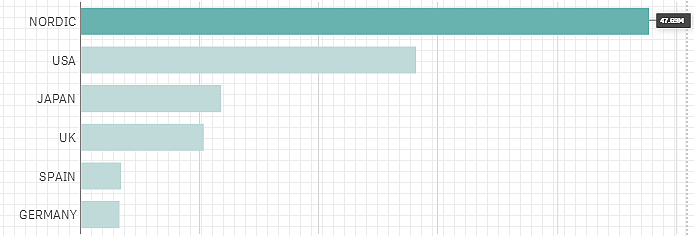
Snapshot with the effect Highest value applied to it