Line object
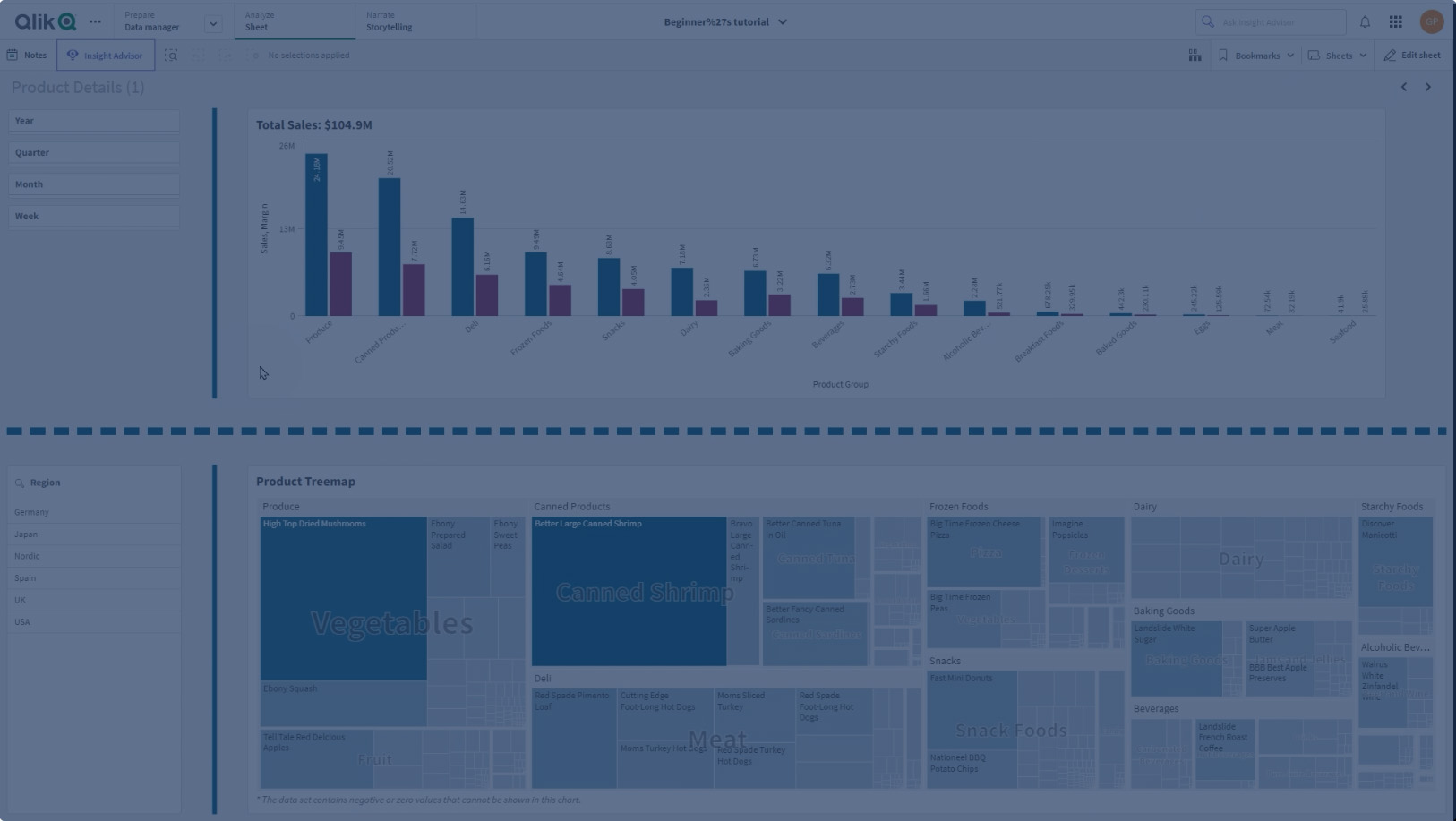
In this video, you’ll learn how to add and customize the Line Control object in Qlik Sense to enhance your dashboard layout.
The Line Control, available in the Dashboard Bundle, helps you visually separate and organize content on your sheets, improving clarity and overall design.
You’ll see how to:
- Add a Line object to your sheet
- Adjust its position and orientation (horizontal or vertical)
- Customize styling such as color, width, and stroke type
- Use expressions for dynamic line coloring
- Configure solid or dashed lines, including dash length and spacing