Loading data from the catalog
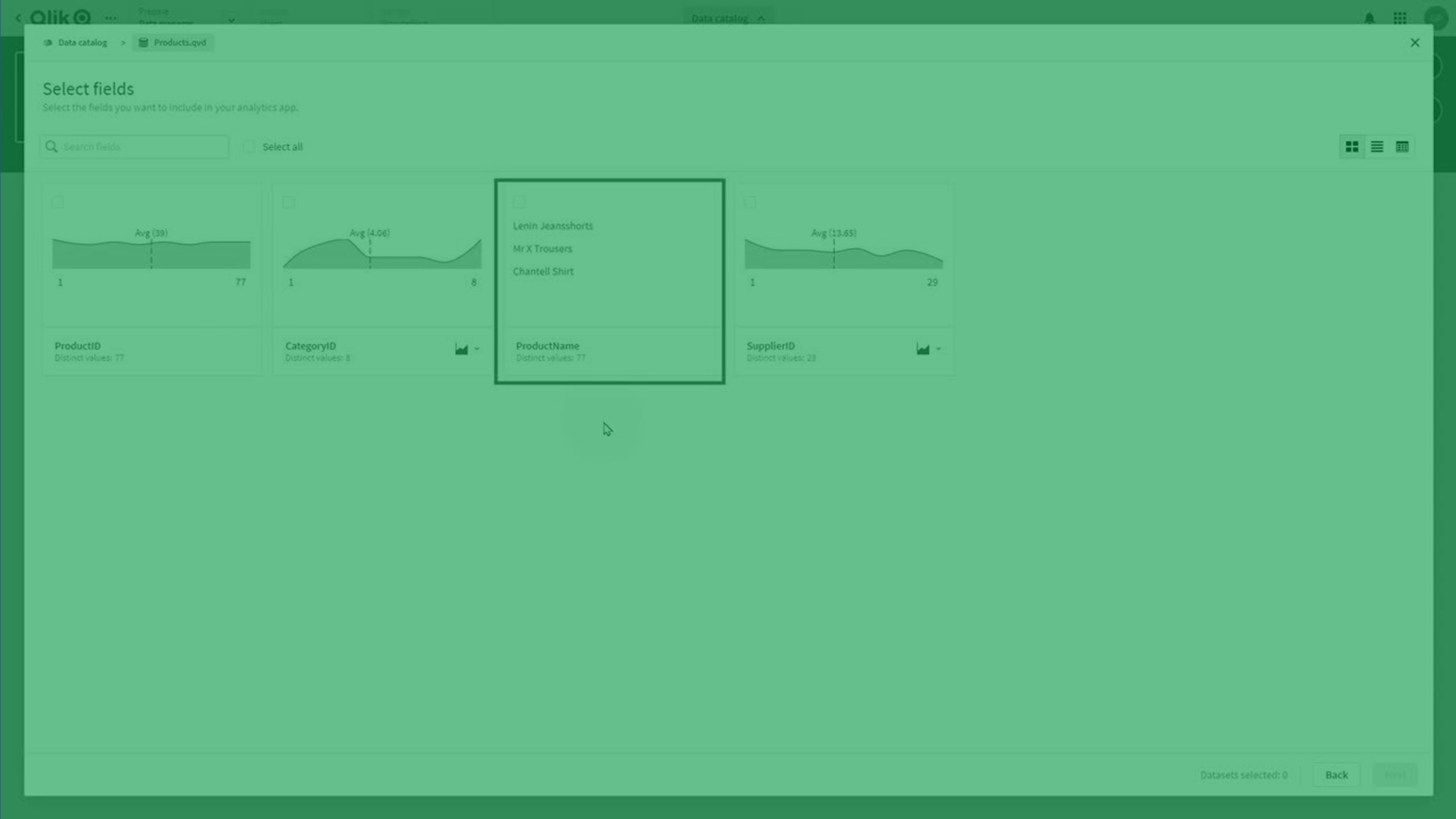
Learn how to explore, filter, and load data into your Qlik Cloud apps using the Data Catalog.
This step-by-step tutorial shows you how to browse datasets, preview fields, use table/list/data views, add selected fields to an app, and load additional datasets from the App Overview page.
Perfect for users who want to streamline data onboarding in Qlik Cloud.
📁 00:07 – Opening the Data Catalog in a New App
🔍 00:12 – Browsing and Searching Available Datasets
⚙️ 00:28 – Filtering Datasets (Owner, Space, Creator, Tags)
📄 00:38 – Opening a Dataset to Select Tables & Fields
📊 00:46 – Table View: Field Profiles & Visualizations
🗃️ 01:02 – List View: Field Summaries & Column Picker
📑 01:21 – Data View: Sample Data Preview
📥 01:44 – Selecting Fields & Loading Data into the App
📦 02:04 – Adding More Data via App Overview Data Catalog
➕ 02:36 – Loading Additional Datasets & Associations
✨ 03:04 – Exploring Data With Insight Advisor
✅ 03:14 – Conclusion