Using pages in an Excel report template - Qlik Cloud Analytics
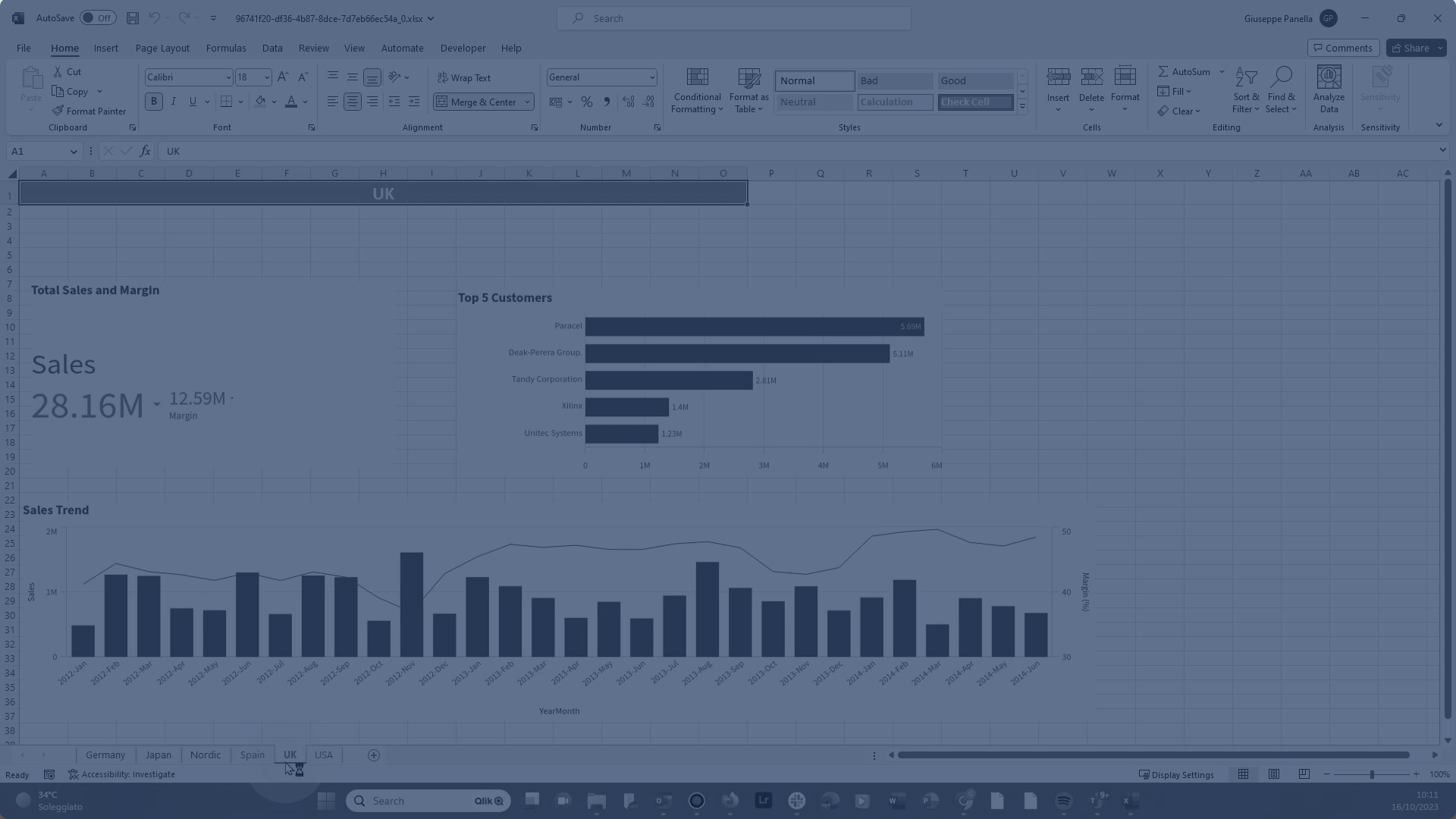
This video shows you how to use pages in a report template created using the Qlik Excel Add-in. Adding a page tag to a worksheet name will generate a separate, filtered page for each unique entity value linked to it. Data in each worksheet are filtered by the related value of the field or the table row.
For a more in-depth understanding of Tabular reporting, explore this playlist:
https://share.vidyard.com/watch/Qm3WsQi1ADWGiMnew5CCNA?
If you're interested in more reports related to report design, check out this playlist:
https://share.vidyard.com/watch/tHdRWQAMTu5JC3hMTTUgcP?