# 將 API 定義匯入至 AWS API Gateway
將您的 API 定義以 JSON 檔案格式匯入至 AWS API Gateway。
* 您具有 AWS API Gateway 的存取權。
* 您已安裝 AWS CLI。如需詳細資訊,請參閱 [安裝 AWS CLI](https://docs.aws.amazon.com/cli/latest/userguide/cli-chap-install.html)。
* 您已將 API 定義匯出為 JSON 檔案。
1. 開啟命令列並輸入下列命令以上傳檔案:
```
aws apigateway import-rest-api [--parameters endpointConfigurationTypes={type}] --body 'file://{yourfile}.json'
```
2. 新增正確的參數:
| 參數 | 說明 |
| --- | --- |
| {type} | 選用。定義要使用的端點類型。值可以是:
- EDGE 用於邊緣最佳化的 API 設定,最適合行動應用程式 (此為預設值)
- REGIONAL 用於區域 API 端點
- PRIVATE 用於私有 API
|
| {yourfile} | 您所匯出之 API 定義的路徑與檔案名稱。 |
3. 執行命令。
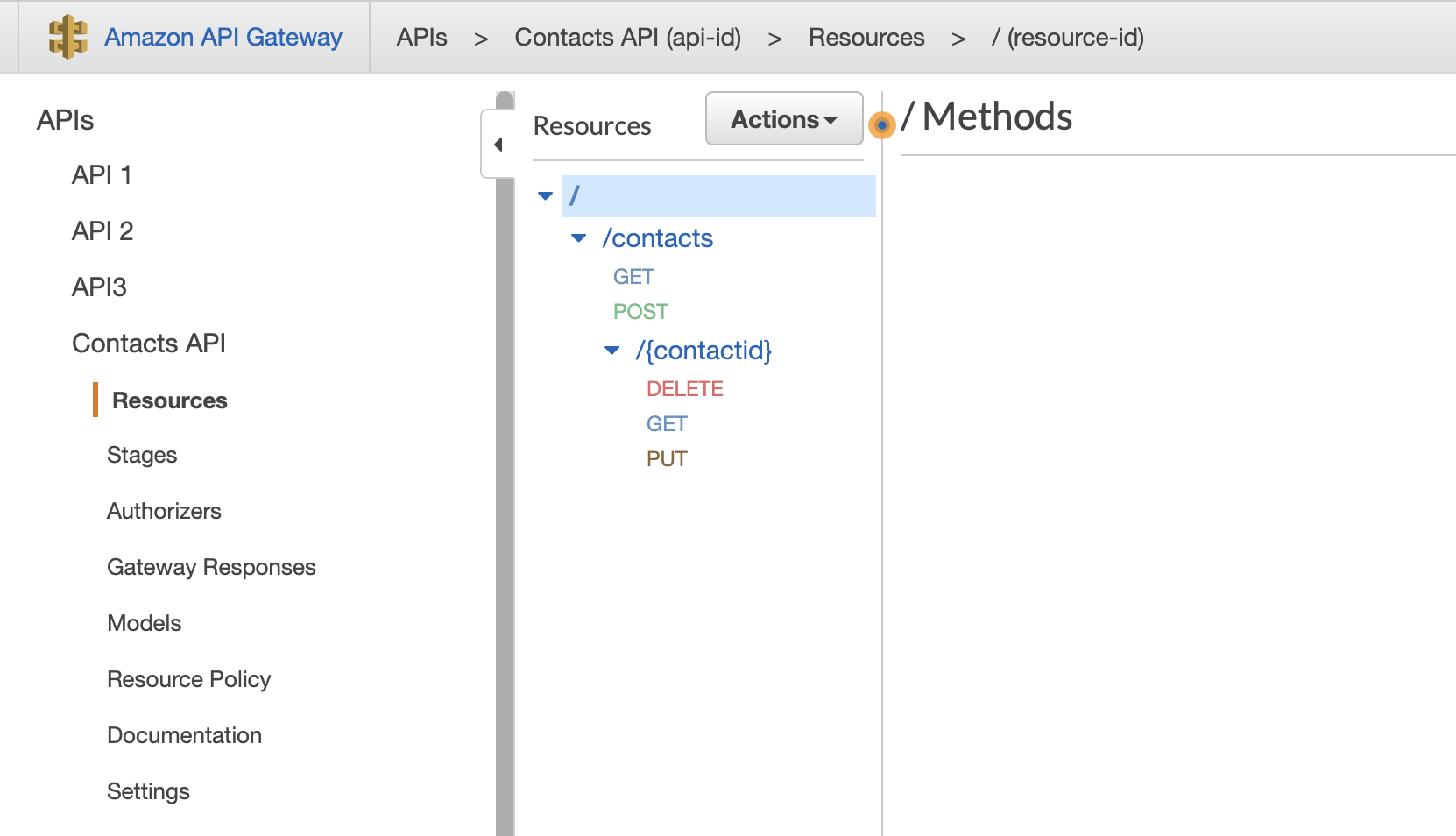
您的 API 已匯入,且命令列會傳回有關您 API 的資訊 (例如其 ID),可用於更新 API。您可以在 AWS API Gateway 主控台上檢查您的 API 定義。
如需有關 import-rest-api 命令的詳細資訊,請參閱 [AWS 文件](https://docs.aws.amazon.com/cli/latest/reference/apigateway/import-rest-api.html)。