# Importing an API definition to AWS API Gateway
Import your API definition as a JSON file to AWS API Gateway.
* You have access to AWS API Gateway.
* You have installed AWS CLI. For more information, see [Installing the AWS CLI](https://docs.aws.amazon.com/cli/latest/userguide/cli-chap-install.html).
* You have exported your API definition as a JSON file.
1. Open a command line and enter the following command to upload the file:
```
aws apigateway import-rest-api [--parameters endpointConfigurationTypes={type}] --body 'file://{yourfile}.json'
```
2. Add the correct parameters:
| Parameter | Description |
| --- | --- |
| {type} | Optional. Defines the type of endpoint to use. The value can be:
- EDGE for an edge-optimized API setup, most suitable for mobile applications (this is the default value)
- REGIONAL for a regional API endpoint
- PRIVATE for a private API
|
| {yourfile} | Path and file name of the API definition you
exported. |
3. Execute the command.
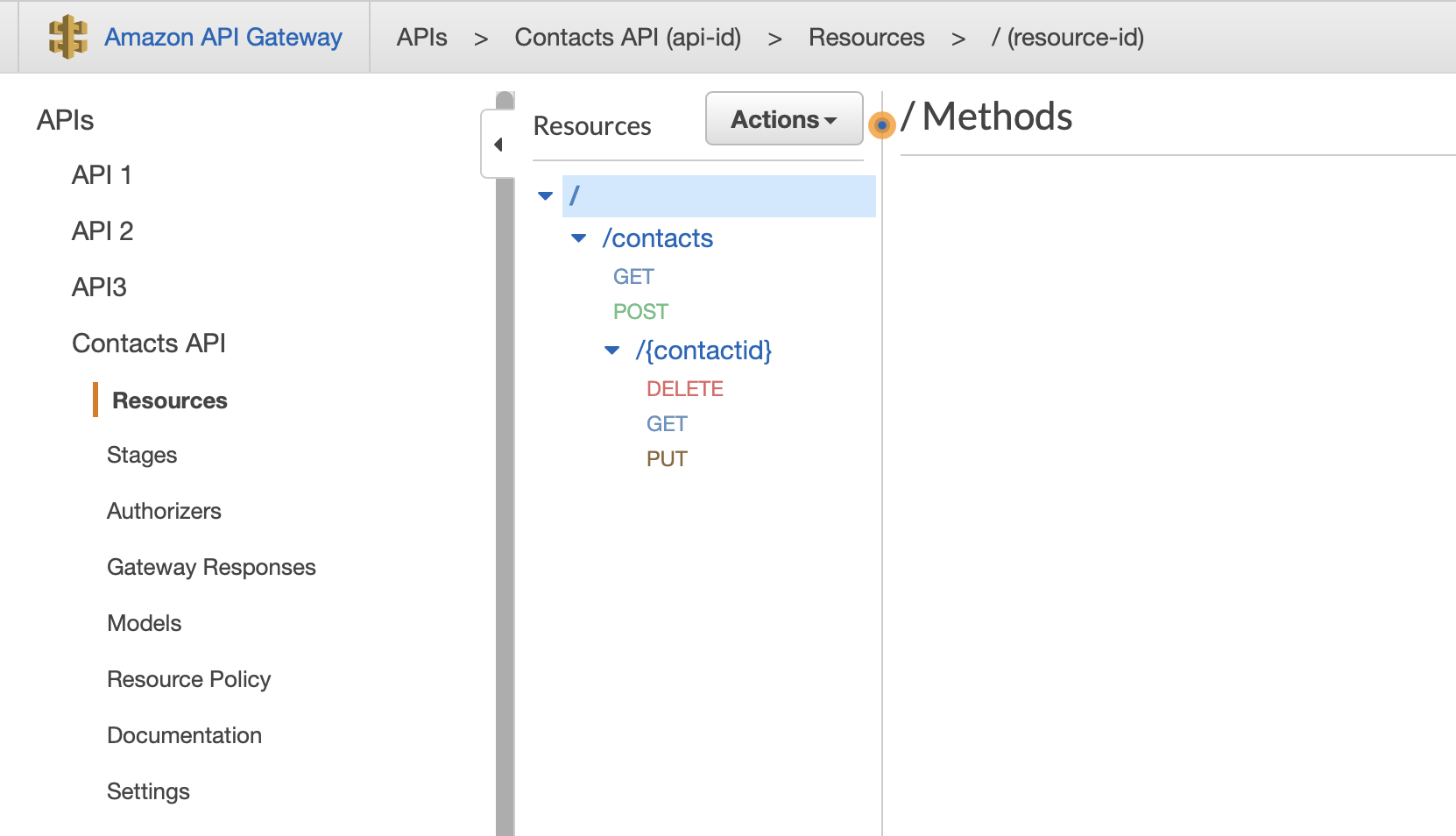
Your API is imported and the command line returns information about your API, such as its ID, which can be used to update it. You can check your API definition on the AWS API Gateway console.
For more information about the import-rest-api command, see the [AWS documentation](https://docs.aws.amazon.com/cli/latest/reference/apigateway/import-rest-api.html).